


- Go to the Search tab
- Enter a date range and any other criteria that you have for the export.
- Choose any other criteria such as Message Type, Addresses (Senders and/or Recipients), etc.

-
-
- At the bottom of the column with the search criteria you will see Export Only Options
-
- Choose Outlook PST if you would like to be able to open or deliver the export in a format that can be opened in Microsoft Outlook.
- Choose EML if you would like to export the data in a .eml format. This is the preferred export format for attorneys.
-
- Click on the Export button
-

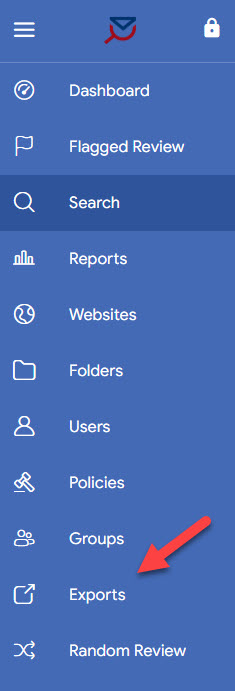
The exports will then show up in the Exports section of your MessageWatcher portal.

Was this topic helpful?
